Quick Start
After installation, VeryCapture shows an icon in the system tray (bottom-right corner of the screen).
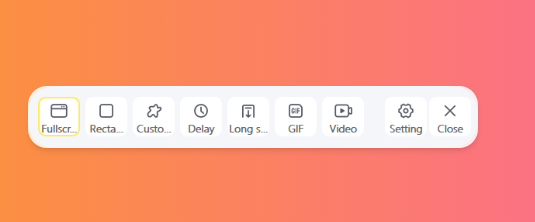
The central control center gives you access to all VeryCapture features and your captured content.
- Left-click the tray icon: show or hide the main window
- Right-click the tray icon: open the quick menu to start screenshot features
- The app stays in the background after launch, so global hotkeys are always available without opening the main window
Tip: If VeryCapture is already running, launching it again brings the existing window to the front instead of starting a second instance.