Pro Activation
Some advanced features require Pro activation.
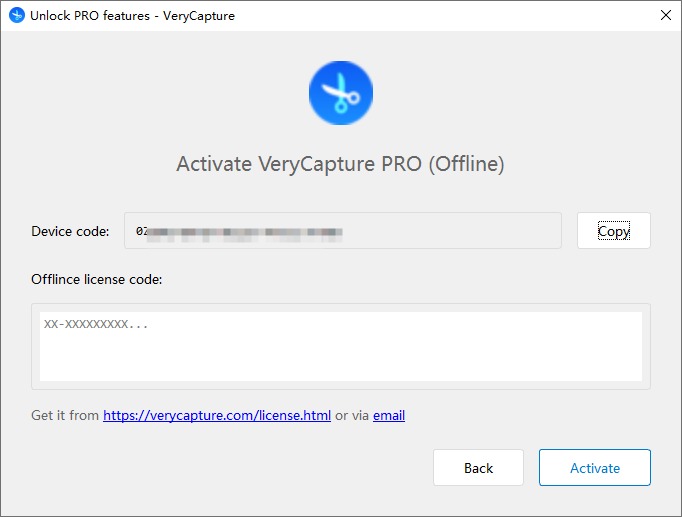
Offline Activation
- Right-click the VeryCapture icon in the system tray and choose Activate Pro
- In the activation window, select Offline activation
- Copy the machine code shown in the window
- Open the VeryCapture license page and follow the instructions to obtain an offline license code
- Paste the offline license code into the activation window and click Activate
- After activation succeeds, Pro features are available immediately
Note: The license code is bound to the machine code. If you change computers, you need to request a new license.
Online Activation
If you have an official account, you can also sign in from the activation window for online activation without entering a license code manually.