Screenshot History
VeryCapture keeps a history of your captures so you can find and manage past screenshots easily.
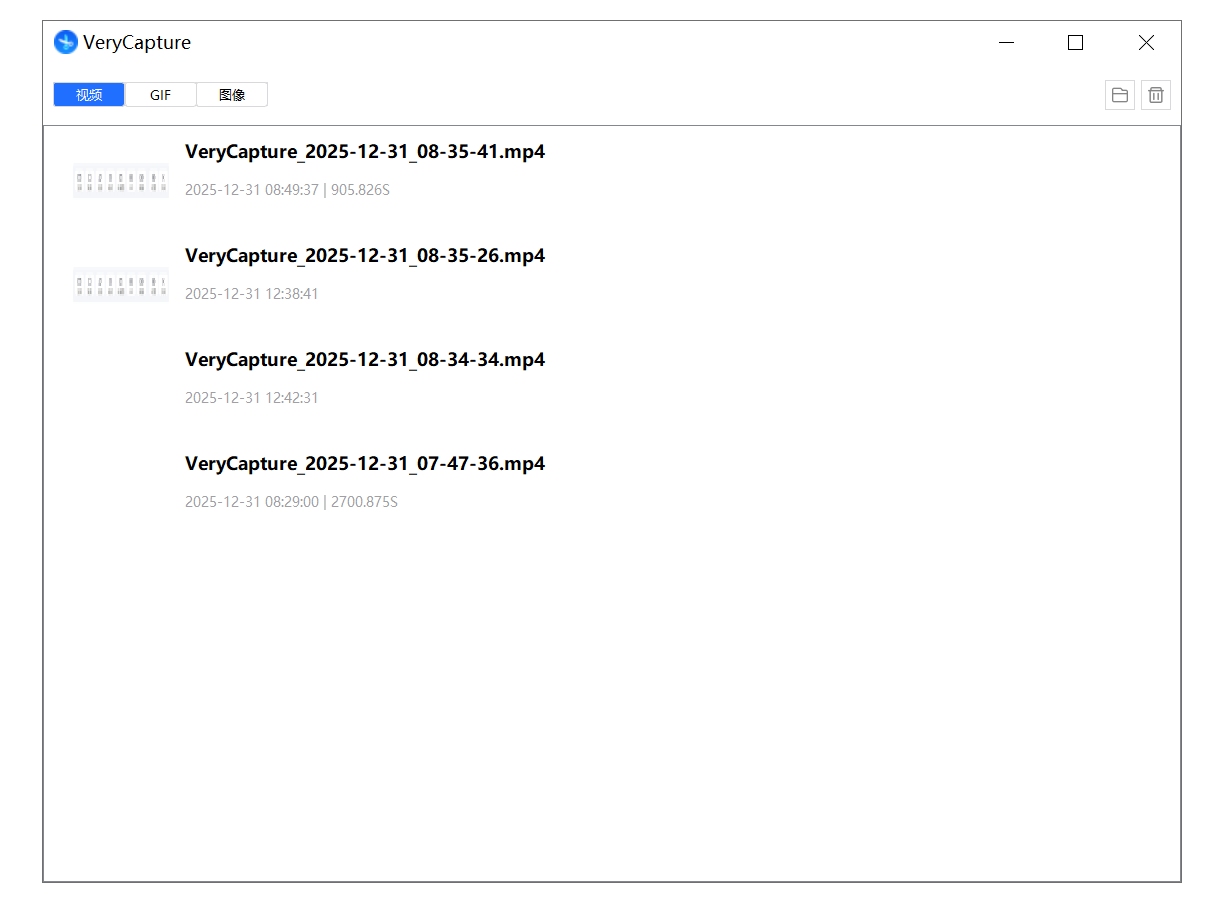
Organize and manage all captured images, videos, and GIFs in one place.
Open history: click History in the main window, or open it from the tray menu
Available actions:
- Preview: click a thumbnail in the list
- Rename: right-click a capture → Rename
- Copy: right-click a capture → Copy image
- Delete: right-click a capture → Delete (moved to Recycle Bin)
- Open file location: right-click → Open file location